
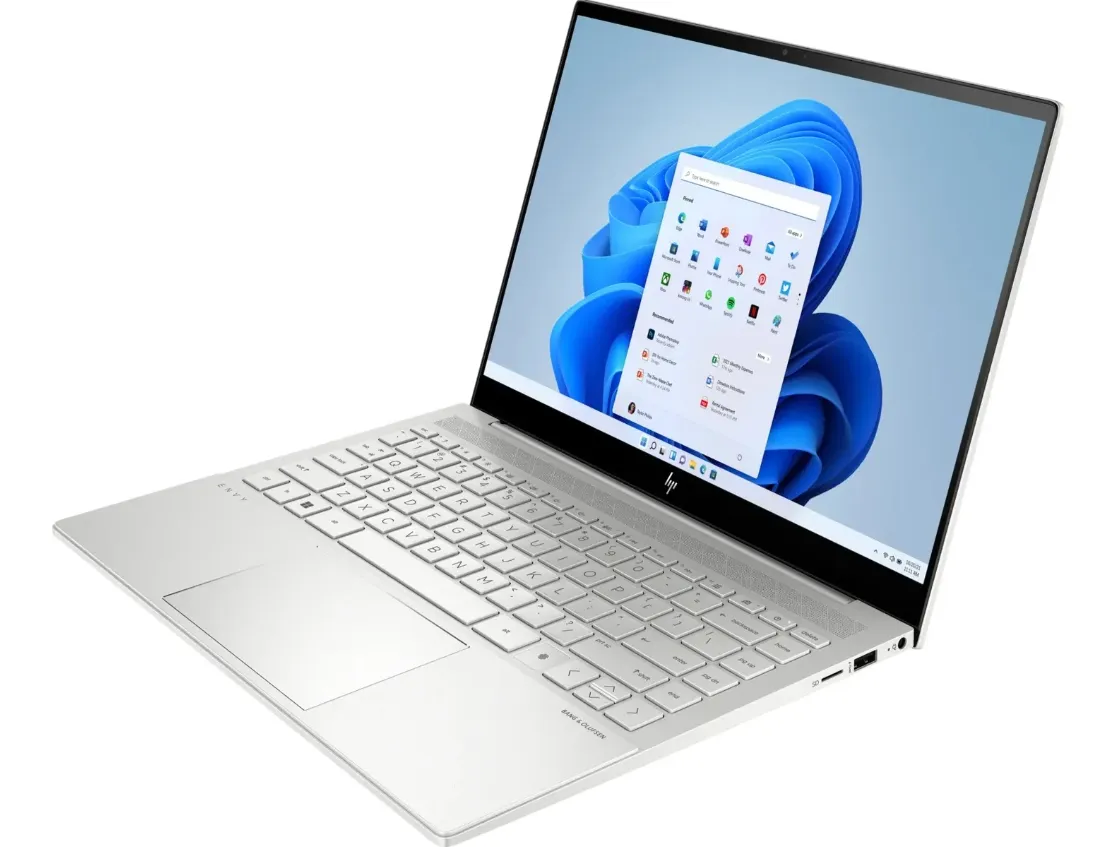
Buying a laptop can seem straightforward until you start comparing processors, memory, storage, screen sizes and dozens of different models. Two laptops that look almost identical from the outside can deliver very different experiences once they are used for demanding applications, long working sessions or regular travel.
The most practical approach is to begin with what the computer needs to accomplish. A university student preparing assignments has different requirements from a designer editing large files, while an office employee may place greater importance on portability and battery life. Matching specifications to actual usage helps buyers avoid paying for unnecessary performance or choosing a machine that quickly becomes limiting.
Define the Main Purpose First
Start by listing the tasks the laptop will handle most often. Basic web browsing, email, document editing and video calls generally require fewer resources than programming, graphic design, engineering applications or video production.
Someone comparing the Best Laptops in Kenya should therefore consider suitability rather than looking for one specification that defines the “best” machine. A lightweight business laptop could be ideal for someone travelling between meetings, whereas a more powerful system may better suit a professional who works with demanding software.
Having a clear purpose immediately makes the selection process more manageable.
Understand What the Processor Does
The processor influences how quickly a computer handles instructions and manages different tasks. Processor families contain multiple generations and performance levels, which means comparing only familiar brand names does not provide the complete picture.
For everyday productivity, a balanced modern processor may provide everything required. More demanding applications can benefit from additional processing capability, particularly when several intensive tasks are running simultaneously.
Buyers should check the recommended specifications of any important software they intend to use. This provides a more meaningful reference point than selecting a processor based purely on marketing terminology.
Choose Enough Memory for Multitasking
RAM provides temporary working space for applications currently in use. When several browser tabs, documents, communication tools and other programs are open together, sufficient memory can help maintain smoother performance.
Light users may have relatively modest memory requirements, while developers, creative professionals and heavy multitaskers may benefit from more. It is also useful to check whether memory can be upgraded later because some slim laptops use configurations that are difficult or impossible for users to expand.
Thinking about future workloads can prevent the laptop from feeling restricted too quickly.
Storage Is About Speed and Capacity
Modern laptops commonly use solid-state drives, which can provide responsive startup times and quick access to applications and files. The amount of storage required depends heavily on how the computer will be used.
Documents usually consume relatively little space, while high-resolution photographs, videos, games and professional project files can fill a drive quickly. Cloud storage and external drives can supplement internal capacity, but frequently accessed applications and files still need appropriate local space.
Before purchasing, estimate the amount of existing data and leave room for future files rather than selecting capacity based only on current needs.
Consider the Display Carefully
The screen is one of the laptop components users interact with constantly. Size affects both portability and workspace. Smaller displays can make a laptop easier to carry, while larger screens provide additional room for spreadsheets, creative applications and multitasking.
Resolution, brightness and panel characteristics also matter depending on the intended use. Creative professionals may pay closer attention to colour performance, whereas an office user might prioritise comfortable viewing during long working sessions.
People who mainly work at a desk can also connect an external monitor when they need additional screen space.
Balance Battery Life and Portability
A laptop that regularly moves between home, university, offices and client locations should be comfortable to carry. Weight, dimensions and charger size all contribute to portability.
Before deciding to Buy Laptops in Kenya, buyers should consider how frequently they will work away from a power outlet. Manufacturer battery estimates can provide a reference, but actual runtime varies according to screen brightness, applications, connectivity and workload.
Someone who works mainly at a fixed desk may reasonably place less emphasis on battery endurance than a frequent traveller.
Check Ports and Connectivity
Ports are easy to overlook until an essential accessory cannot be connected. Consider whether the laptop needs USB-A, USB-C, HDMI, an audio connection or other interfaces.
Users who connect external monitors, storage devices and multiple peripherals should pay particular attention to available connections. A compatible docking solution can expand connectivity, but including this in the original purchase decision avoids unexpected accessory costs later.
Wireless connectivity is equally important for everyday internet access and compatible Bluetooth peripherals.
Do Not Forget the Keyboard and Webcam
Specifications are important, but everyday physical interaction also affects the experience. People who type for several hours each day should consider keyboard layout and comfort. A useful trackpad can also make mobile working easier.
Video meetings have made webcams and microphones more relevant for students, remote workers and businesses. Users who frequently attend online meetings should include these components in their comparison rather than treating them as minor extras.
Conclusion
Choosing a laptop becomes easier when specifications are connected to genuine everyday requirements. Processor performance, memory, storage, display quality, battery life, connectivity and portability each contribute to how suitable a machine will be.
Instead of focusing on a single impressive specification, buyers should consider how all these elements work together. A carefully selected laptop can provide a more comfortable and productive experience while offering enough capability to remain useful as computing needs evolve.